This tutorial guides you through updating the sales tax fee in your account. You will learn how to access the relevant settings and apply the necessary changes.
01
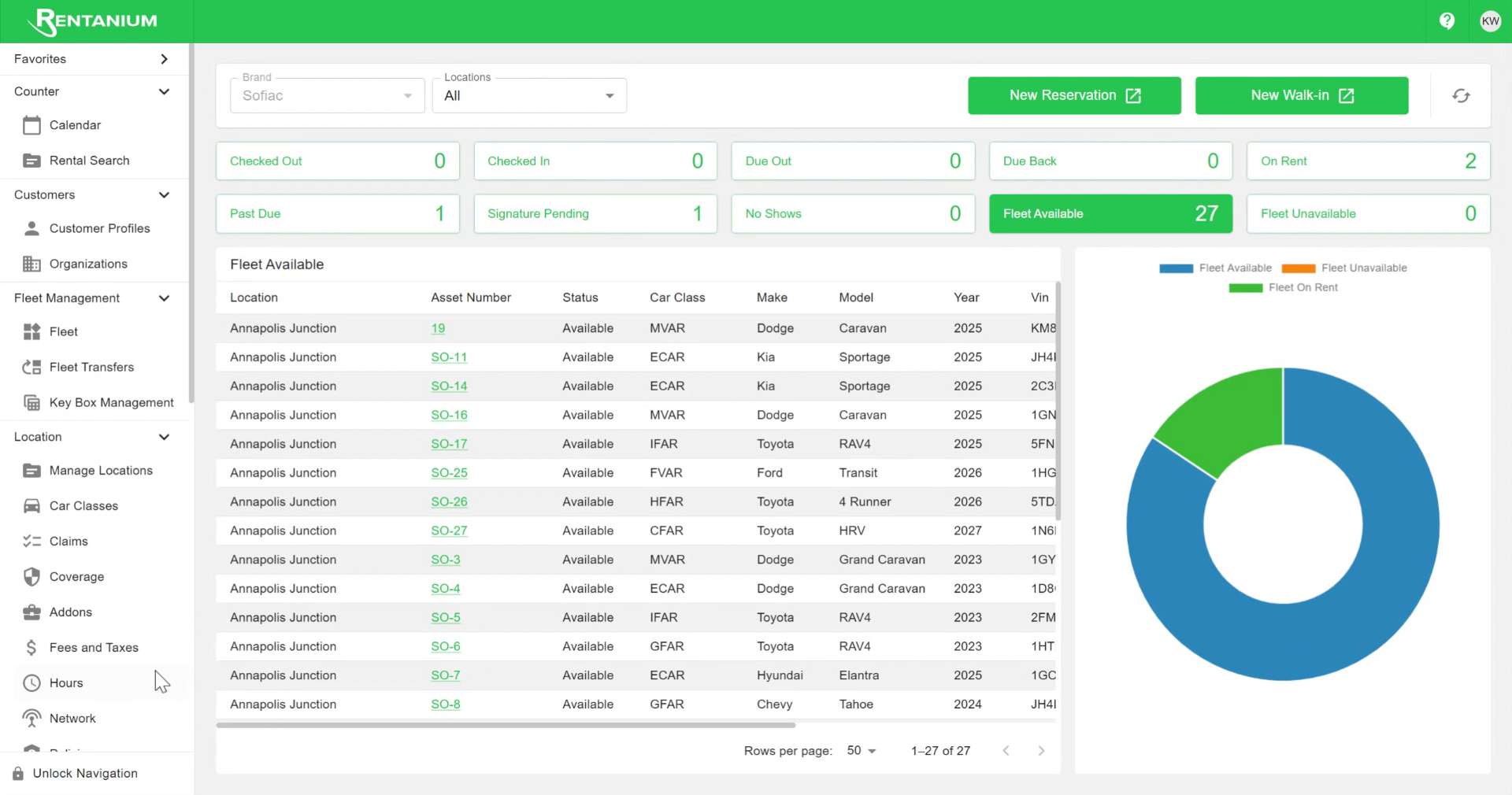
Navigate To Fees And Taxes
First up, click on Fees and Taxes.
Video content
02
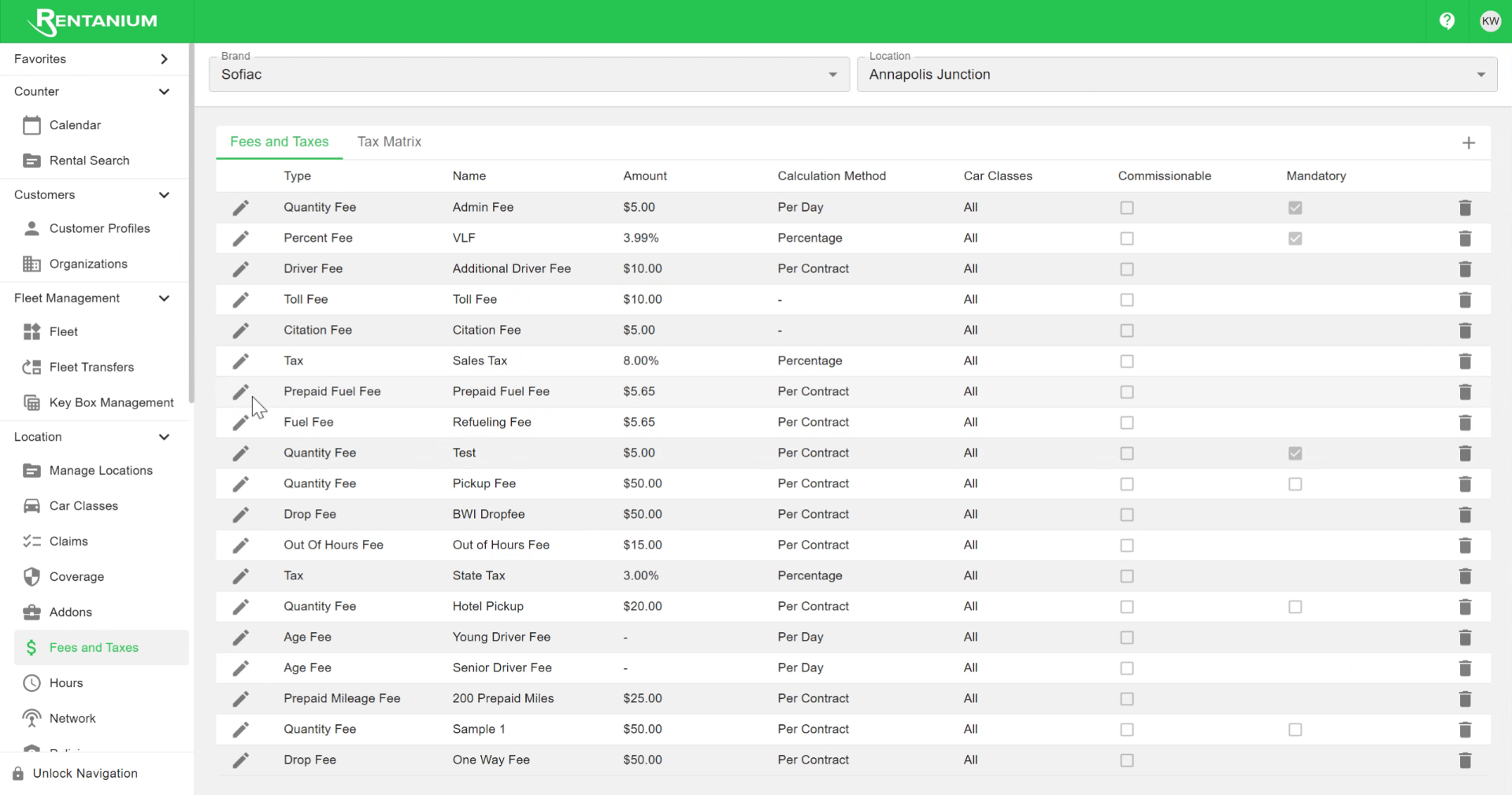
Edit Sales Tax Amount
Find the sales tax you want to update, click the pencil icon, and then change the amount.
Video content
03
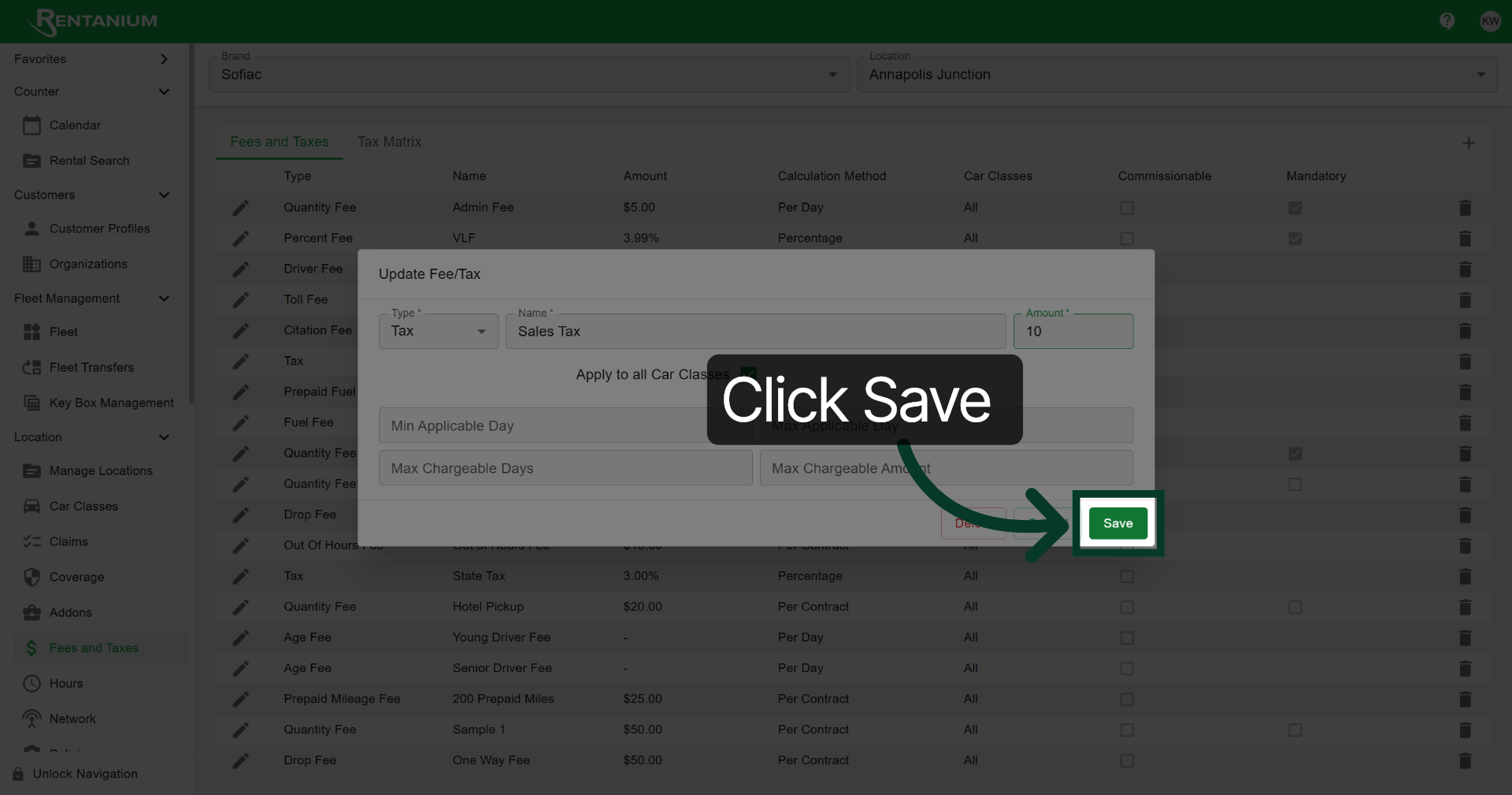
Confirm Save Action
Click Save to finalize your changes.
You have successfully updated the sales tax fee by navigating to the Fees and Taxes section, selecting the sales tax options, editing the amount, and saving your changes. For further adjustments, explore related tax settings or contact your Rentanium software representative.